What Does 2.4GHz Mean in RC?
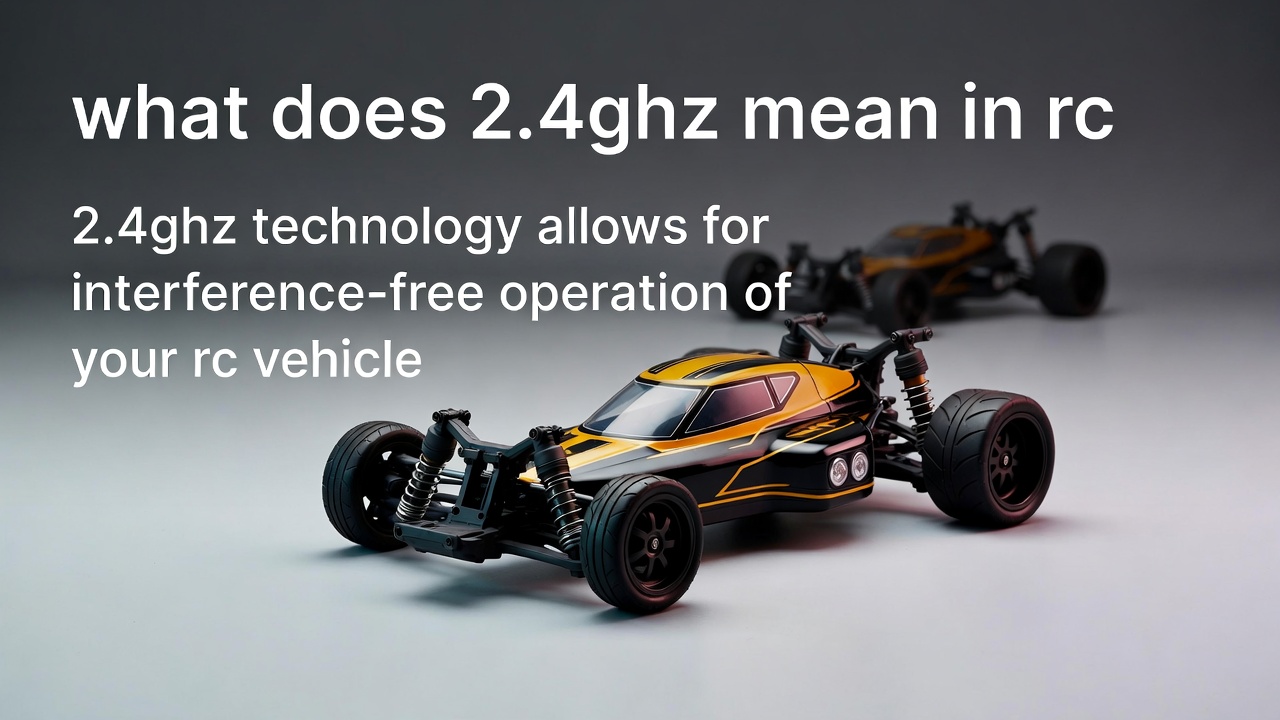
If you just got your first RC car, truck, plane, or drone, you’ve probably seen “2.4GHz” printed on the box or remote. You might have wondered what that even means. Is it a speed? A power level? Some kind of tech jargon you’re supposed to ignore?
Don’t worry. This guide breaks it all down in plain language. By the end, you’ll know exactly what 2.4GHz means, why it matters, and how it affects your RC experience every single time you press that throttle.
First, Let’s Talk About Radio Signals
Your RC transmitter (the controller in your hands) sends a signal to your RC vehicle. That signal is a radio wave. Radio waves travel through the air at the speed of light. They carry your commands — go left, go right, speed up, slow down — from your hands to the vehicle in milliseconds.
Now, radio waves come in different frequencies. Think of frequency like a lane on a highway. Different types of devices use different lanes so they don’t crash into each other.
The frequency is measured in hertz (Hz). A hertz is just one cycle per second. When you have 2.4 gigahertz, that’s 2.4 billion cycles per second. That’s an incredibly fast signal — way faster than you could ever count.
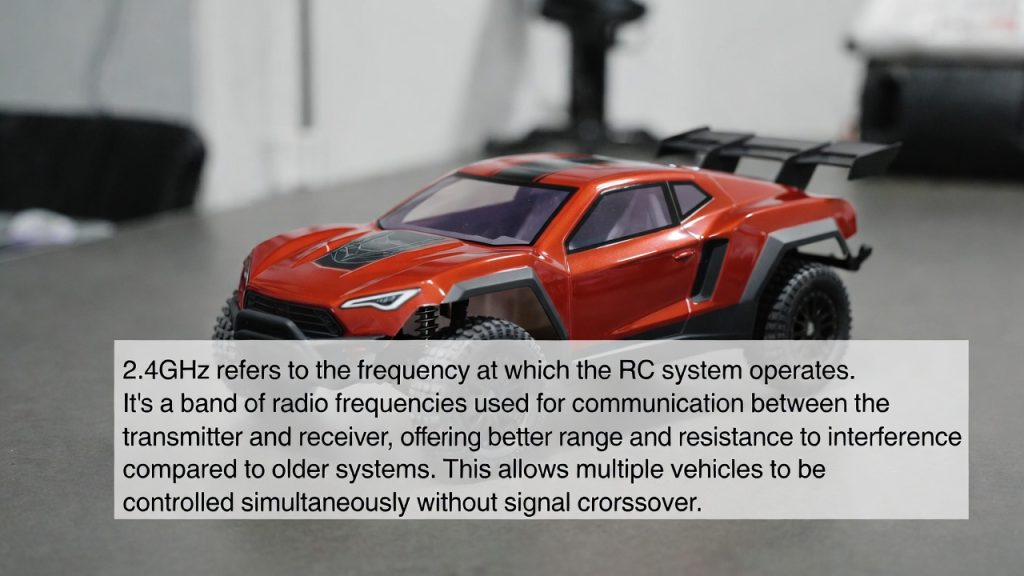
So when someone says their RC car runs on 2.4GHz, they’re saying it uses a radio signal that cycles 2.4 billion times every second to communicate between the controller and the vehicle.
Why Does Frequency Matter in RC?
The frequency your RC system uses affects a few key things:
- How far the signal travels
- How well it works around other signals
- How many people can use their RC cars at the same time
Older RC systems used different frequencies, like 27MHz or 49MHz. Those were okay back in the day, but they had some real problems. We’ll get to those in a moment.
2.4GHz came along and changed the game. It became the standard for most RC vehicles sold today — and for very good reasons.
The Old Days: 27MHz and 49MHz
Before 2.4GHz took over, RC hobbyists used much lower frequencies. The most common were 27MHz and 49MHz.
These worked fine in small doses. But they had a big weakness: interference.
If your neighbor was running their RC car on the same frequency as you, both cars would go haywire. They’d spin out, drift, lose control, or just stop responding. This was called a frequency clash or interference.
To fix this, RC clubs used physical frequency pins or crystals. Every car had a little crystal plugged into the receiver. If two people wanted to race at the same time, they had to use different crystals with different frequencies. You had to “call your channel” before you drove.
This was annoying and limiting. You could only have so many cars on the track at once. And if you forgot to check your crystal, your car would go nuts the moment someone else turned on their controller.
2.4GHz fixed all of that.
How 2.4GHz Works: Spread Spectrum Technology
Here’s where it gets cool.
Modern 2.4GHz RC systems don’t just pick one exact frequency and stick to it. They use something called spread spectrum technology. Specifically, most use either FHSS (Frequency Hopping Spread Spectrum) or DSSS (Direct Sequence Spread Spectrum).
Let’s focus on FHSS because it’s the most common in RC.
With FHSS, your transmitter and receiver don’t stay locked on one signal. Instead, they hop around between dozens of tiny channels within the 2.4GHz band — really fast. They do this in sync, like a secret handshake. Only your transmitter and your receiver know the exact pattern of hops.
This means even if another RC car is nearby on 2.4GHz, the chances of both systems landing on the same tiny sub-channel at the exact same millisecond are almost zero. The two systems essentially talk past each other without interference.
The result? You can have 20, 30, even 50 RC cars running at the same track at the same time with zero frequency conflicts. No crystals. No calling your channel. Just turn on and drive.
The Big Benefits of 2.4GHz for RC
Let’s go through the real-world advantages that 2.4GHz brings to the hobby.
1. No More Frequency Conflicts
As we covered, spread spectrum makes interference basically a thing of the past. Your controller talks only to your car. You don’t have to worry about your buddy’s transmitter hijacking your vehicle.
2. Automatic Binding
With 2.4GHz systems, your transmitter and receiver pair up automatically. This process is called binding. When you bind a transmitter to a receiver, they lock onto each other’s unique ID. After that, the two devices recognize each other and only talk to each other.
Binding is usually a one-time setup. Once done, you just turn on your transmitter, power up the car, and they connect automatically within a second or two.
3. Fast Response Time
2.4GHz signals respond incredibly fast. The time between you moving a stick on your transmitter and the car reacting is measured in milliseconds. This is called latency.
Lower latency means more precise control. For racing or flying, this matters a lot. Even a tiny delay can mean the difference between a clean corner and a crash.
4. Reliable Range
Most 2.4GHz RC systems give you a solid operating range — typically around 100 to 500 meters depending on the system and environment. Some high-end systems go even further.
For most RC cars, boats, and planes, this range is more than enough. You’ll lose sight of the vehicle long before you lose signal.
5. Compact and Affordable Hardware
2.4GHz components are small. The receivers that go inside your RC vehicles are tiny circuit boards. They don’t need big antennas or bulky hardware. This made it easier to build smaller, lighter, and faster RC vehicles.
And because 2.4GHz technology is so widespread (it’s used in Wi-Fi, Bluetooth, and baby monitors too), the parts are cheap to manufacture. That helps keep RC systems affordable.
2.4GHz vs Other RC Frequencies
Here’s a quick look at how 2.4GHz stacks up against older options:
| Feature | 27/49MHz | 2.4GHz |
|---|---|---|
| Interference Risk | High | Very Low |
| Range | Medium | Good |
| Need for Crystals | Yes | No |
| Multiple Cars at Once | Limited | Unlimited (practically) |
| Response Speed | Slower | Very Fast |
| Antenna Size | Large | Small |
| Cost | Lower (older tech) | Affordable |
It’s no contest. For modern RC use, 2.4GHz wins in almost every category.
Does 2.4GHz Interfere with Wi-Fi?
This is a fair question. Your home Wi-Fi router also runs on 2.4GHz. So do many cordless phones and Bluetooth devices. Doesn’t that cause problems?
In practice, it rarely does. Here’s why.
RC 2.4GHz systems and Wi-Fi both operate in the same band, but they use it very differently. RC systems use spread spectrum with unique device IDs. Wi-Fi uses its own protocols. They’re designed to coexist.
You might notice that if you’re right next to a Wi-Fi router with your RC transmitter on, you could occasionally see a tiny blip in performance. But in a normal outdoor environment, you’ll never notice any issue.
The bigger concern would be in an environment packed with dozens of 2.4GHz Wi-Fi networks, like a sports arena or tech conference. Even then, modern RC systems handle it well. Spread spectrum was specifically designed to work in crowded radio environments.
What Is a 2.4GHz RC Transmitter?
The transmitter is the handheld controller you hold. It’s what sends the signal to your car. Most entry-level and mid-range RC transmitters today are 2.4GHz.
There are two main styles:
Pistol-Grip Transmitters — These look like a gun with a steering wheel on top. Very popular with RC car and truck drivers. One hand steers, the other hand controls throttle and brake with a trigger.
Stick Transmitters — These look like a flat box with two joysticks. Common with RC planes, helicopters, and drones. Both thumbs move the sticks to control the vehicle.
Both types use 2.4GHz. Both connect to a receiver inside your vehicle.
What Is a 2.4GHz RC Receiver?
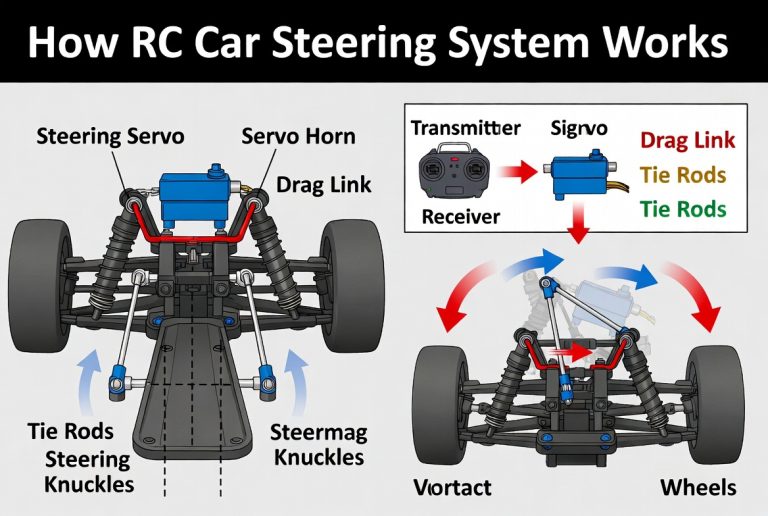
The receiver lives inside your RC vehicle. It’s a small electronic board with an antenna (sometimes two antennas). Its job is to pick up the signal from your transmitter and send the commands to the motor and servo.
The receiver must be bound to the transmitter before it works. Once bound, they recognize each other automatically every time you power on.
Receivers come in different “channel” counts. A 2-channel receiver handles steering and throttle — enough for a basic RC car. A 6-channel receiver can handle more functions — great for planes or boats with extra controls.
The frequency (2.4GHz) tells you what radio band it works on. The channel count tells you how many separate controls it can handle.
Binding Your 2.4GHz RC System
Binding sounds technical, but it’s really simple. Most RC systems walk you through it in a few steps.
The general process goes like this:
- Put the receiver into bind mode (usually by holding a small bind button while powering it on, or plugging in a bind plug).
- Turn on the transmitter in bind mode (usually by holding a button while switching it on).
- The two devices handshake and pair up.
- Power everything off, then back on normally.
- Done — they’ll auto-connect every time from now on.
Your specific RC system will have its own binding instructions. Always check the manual for exact steps. But the idea is always the same: get both devices into a special mode, let them find each other, and save the connection.
Range and Line of Sight
One thing to know about 2.4GHz — it’s a higher frequency than old-school RC systems. Higher frequency signals don’t travel as far as lower frequency signals in some conditions. They can also be blocked more easily by solid objects.
This is why line of sight matters with 2.4GHz RC.
Line of sight means you should be able to see your vehicle while you drive it. If your RC car goes behind a concrete wall or a large building, the signal can weaken or cut out.
For most everyday RC use, this isn’t a problem. You drive your car in a field or a parking lot. You can see it the whole time. You’ll never push the limits of the range.
But if you’re flying an RC plane and it climbs high and gets far away, or you try to drive an RC truck into dense forest cover, you might start to feel the limits.
Advanced users who want extreme range (like long-range FPV drones) sometimes use systems on different frequencies, like 433MHz or 900MHz, which have much greater range through obstacles. But for 99% of RC hobbyists, 2.4GHz range is completely fine.
Can You Run Multiple RC Vehicles at Once?
Yes! This is one of the best things about 2.4GHz.
Because each transmitter-receiver pair uses unique identifiers via spread spectrum, you can have a whole group of friends all running their RC cars at the same time with no conflicts.
This is why RC clubs and races became so much more fun after 2.4GHz became standard. Pit lanes full of cars, all running simultaneously, no interference, no drama.
As long as each car is bound to its own transmitter, everyone can drive at once without any issues.
Common 2.4GHz RC Brands and Systems
A few popular 2.4GHz RC radio systems you’ll see in the hobby:
Spektrum — Very popular in planes and cars. Known for DSMX and DSM2 spread spectrum protocols. Great reliability.
FlySky — Budget-friendly option with solid performance. Very popular with beginners. Uses AFHDS protocol.
Futaba — High-end brand used by serious competitors. Excellent build quality and precision.
RadioMaster / FrSky — Popular in the drone and FPV community. Open-source software (OpenTX/EdgeTX) gives lots of flexibility.
Traxxas TQi — Built into many Traxxas RC vehicles. Easy to use, Bluetooth app compatible.
All of these operate on 2.4GHz. They’re not cross-compatible with each other (a Spektrum transmitter won’t work with a FlySky receiver), but within their own brand ecosystem, they’re plug-and-play.
What Happens If Your 2.4GHz Signal Gets Interrupted?
Modern 2.4GHz RC systems have a safety feature called failsafe. If the signal drops for any reason, the failsafe kicks in.
Failsafe can be set to do a few things:
- Stop the vehicle (cut the throttle to zero)
- Hold the last known command
- Return to a neutral steering and zero throttle position
For RC cars and trucks, failsafe is super important. You don’t want a signal dropout to send your car flying across a parking lot at full speed.
Most receivers let you program your failsafe position during the binding process. Always set this up before your first drive.
Tips for Getting the Best Out of Your 2.4GHz RC System
Here are a few practical tips to keep your RC signal clean and your driving smooth.
Keep the antenna pointed correctly. Most RC receivers have one or two antennas. Try to keep them angled so at least one is pointing toward your transmitter. Don’t let antennas fold under the body or touch carbon fiber parts (carbon fiber blocks signals).
Charge your transmitter batteries. A low battery in your transmitter weakens the signal output. Always drive with fresh or fully charged batteries in your controller.
Don’t block the transmitter antenna. Wrapping your hand around the antenna on your transmitter reduces range. Hold the grip properly, not the antenna.
Bind before every new session if needed. If you switch receivers or reset your system, rebind. Don’t assume an old bind still works if you’ve changed hardware.
Keep electronics away from the receiver. High-power motors, ESCs, and servos can generate electrical noise. Try to mount your receiver away from these parts inside the vehicle.
Is 2.4GHz the Same as 5GHz in RC?
Some newer RC systems are starting to use 5GHz frequency bands, especially in drones and high-speed FPV equipment. 5GHz offers some advantages — less congestion in some environments, faster data rates — but it has shorter range and less ability to penetrate obstacles compared to 2.4GHz.
For most traditional RC vehicles (cars, trucks, boats, basic planes), 2.4GHz remains the dominant standard. It hits the sweet spot between range, reliability, and affordability.
If you’re getting into FPV drones or long-range RC aircraft, you might encounter 2.4GHz, 5.8GHz, or even sub-GHz options. Each has tradeoffs. But for surface vehicles and beginner aircraft, 2.4GHz is what you’ll use.
Quick Glossary of 2.4GHz RC Terms
Here’s a cheat sheet for all the terms we covered:
GHz (Gigahertz) — A unit of frequency. 1GHz = 1 billion cycles per second.
Transmitter (TX) — The handheld controller that sends signals.
Receiver (RX) — The device inside your RC vehicle that receives signals.
Binding — Pairing your transmitter and receiver so they only talk to each other.
Spread Spectrum — A signal technology that hops across many frequencies to avoid interference.
FHSS — Frequency Hopping Spread Spectrum. Hops around sub-channels rapidly.
DSSS — Direct Sequence Spread Spectrum. Spreads the signal across a wide band.
Failsafe — A safety setting that controls what your vehicle does if signal is lost.
Latency — The delay between your input and the vehicle’s response. Lower is better.
Channel — In RC, a channel is a separate control input (like steering, throttle, or gear shift).
Final Thoughts
So, what does 2.4GHz mean in RC? It means your RC system uses a radio frequency of 2.4 billion cycles per second to communicate between your transmitter and your vehicle. It’s fast, reliable, interference-resistant, and the standard across the hobby today.
You don’t need to memorize the tech behind it. You just need to know that 2.4GHz makes your RC driving experience better — no crystal swapping, no frequency conflicts, just instant response every time you push the throttle.
If you’re just getting started with RC, you’re in luck. Almost every modern beginner RC vehicle comes with a 2.4GHz system already set up. Bind it once and you’re good to go.
Now get out there and drive.
Peterson is an RC hobby enthusiast and product reviewer with a passion for remote-controlled cars, trucks, boats, drones, and accessories. He enjoys testing the latest RC products, comparing features, and sharing practical buying guides to help beginners and experienced hobbyists make informed decisions. Through RCThing.com, Peterson provides honest reviews, maintenance tips, and expert advice to help readers get the most from their RC adventures.